Support
Email support@clinchedprep.com and tell us your device and app version (bottom of the Account tab).
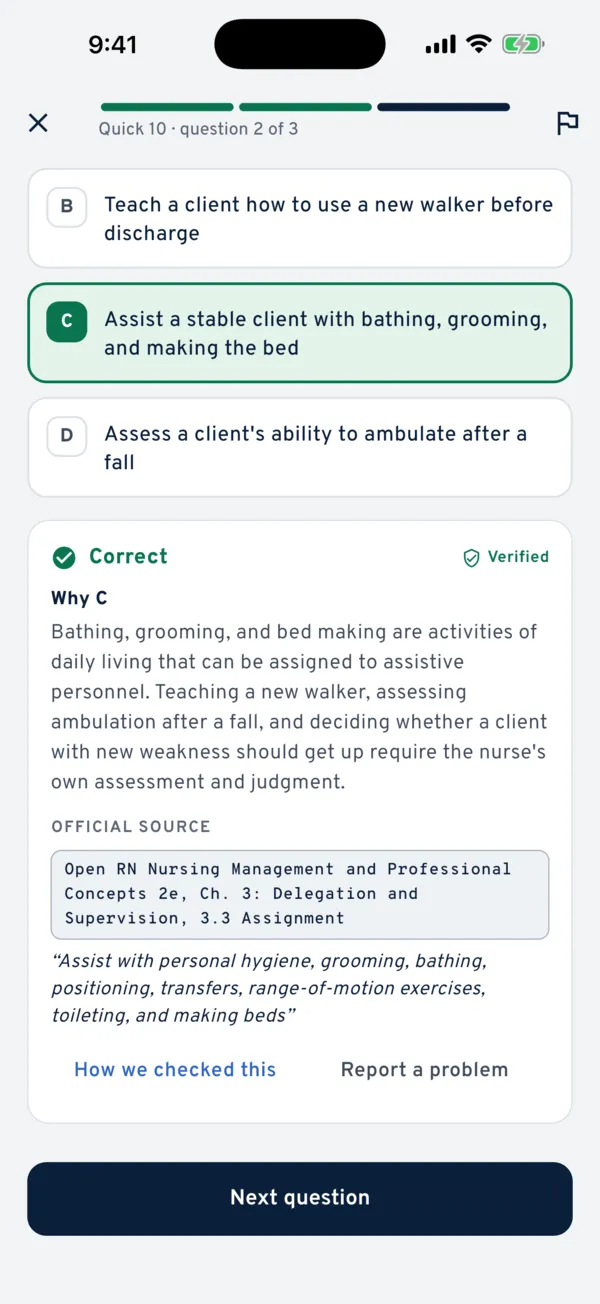
Found a mistake in a question?
Open the question’s explanation and tap Report a problem. It sends us the exact question, so we can fix it fast. If you’re right, the fix goes to everyone.
Subscriptions and refunds
Subscriptions are billed by Apple or Google. To cancel, open your App Store or Google Play account settings → Subscriptions → Clinched. For refunds, use reportaproblem.apple.com (iPhone) or the Google Play order history (Android).
Restoring Pro on a new phone
Sign in with the same Apple ID or Google account, open Clinched, tap See Pro plans on the Account tab, then tap Restore.
Your progress
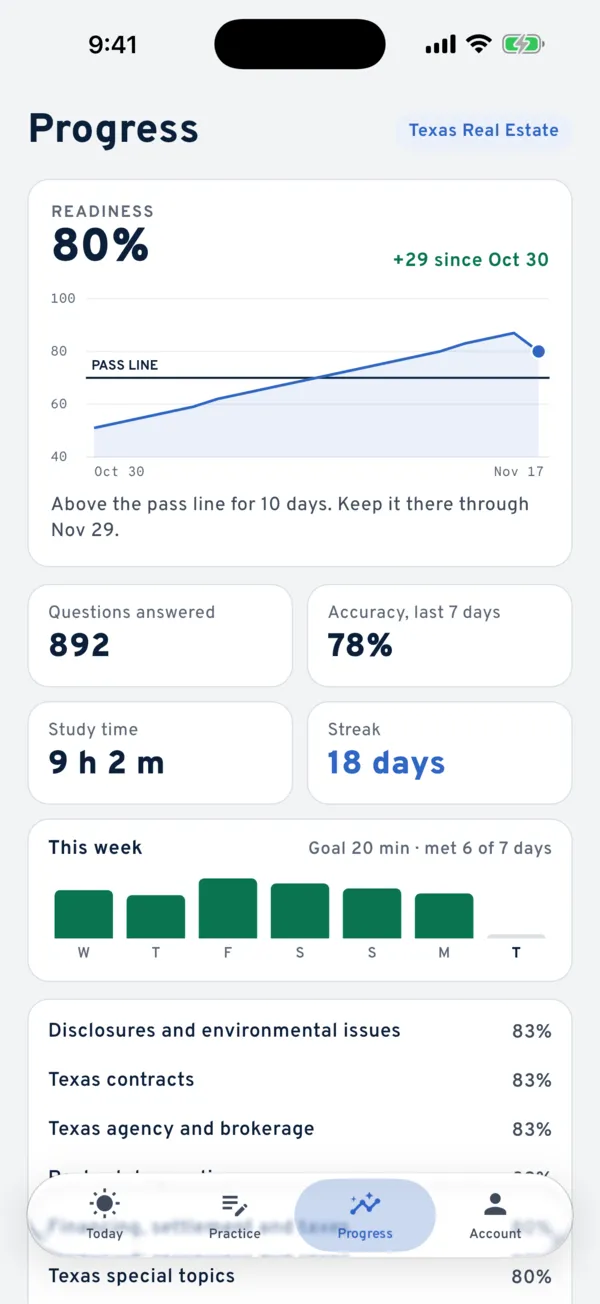
Progress is saved on your phone, and backed up to your account if you sign in. To start over, go to Account → Privacy and your data → Reset my progress.
Also see the FAQ, our Privacy Policy and Terms of Use.